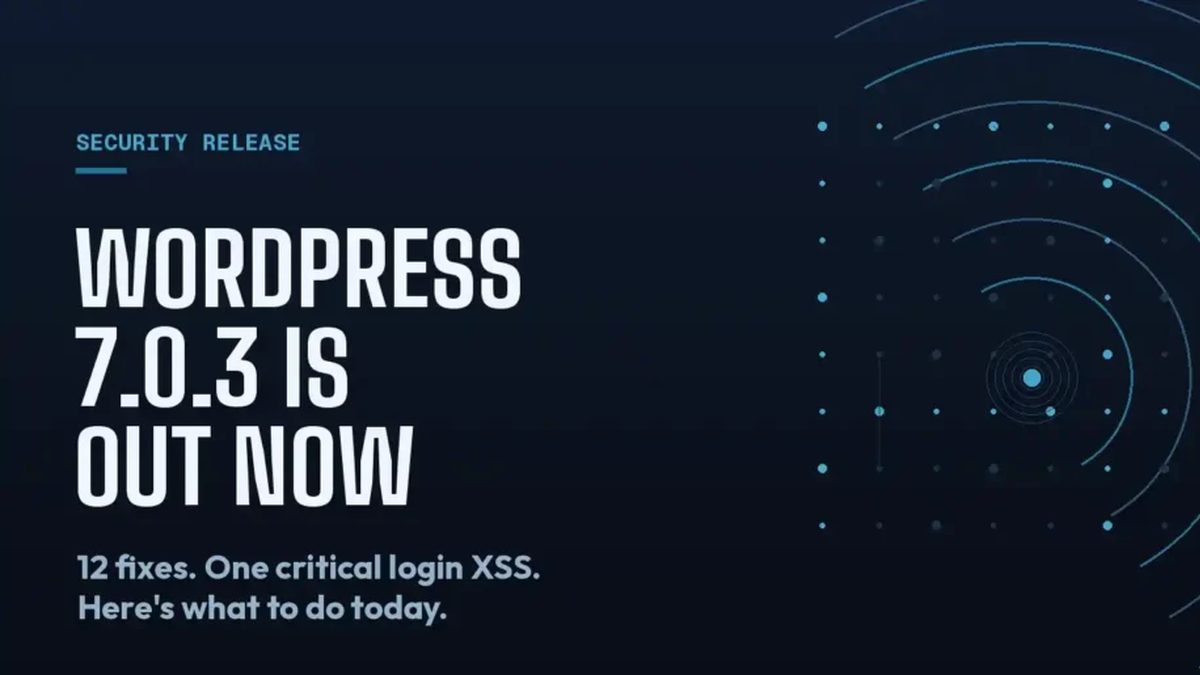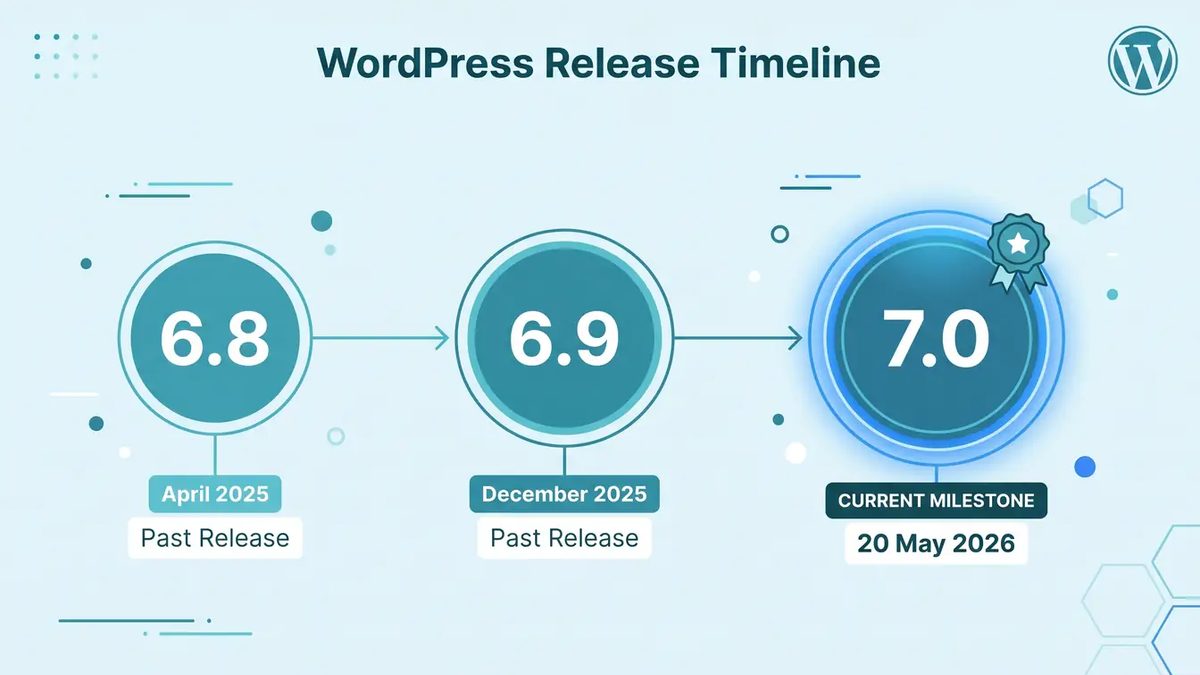
Between July 9 and August 12, WordPress shipped four point releases on the 7.0 branch: 7.0.1 with 31 bug fixes, then three security releases in 7.0.2, 7.0.3, and 7.0.4. We covered each one as it landed. Now that the dust has settled, it's worth stepping back and asking the more useful question: what does a six-week stretch like that tell you about whether your update process actually works?
Ours mostly held up. In a few places it didn't. This post is the honest retrospective, including the parts of our own runbook we rewrote in August.
The cadence was not unusual. Our reaction to it was the test.
First, some perspective. A major WordPress release followed by a flurry of point releases is the normal rhythm, not a crisis. WordPress 6.x branches saw similar patterns. What made this cycle feel intense was the mix: one maintenance release with a long fix list, then three security releases in five weeks, two of them carrying issues serious enough that we moved same-day on client sites.
If your maintenance offering is "we update plugins once a month," a cycle like this exposes the gap between what you sell and what security actually requires. A monthly window means a client site could sit exposed for three to four weeks after a disclosed vulnerability. That is not a defensible posture, and after this summer, clients have seen enough headlines to ask about it.
What held up in our runbook
Staging-first, always. Every one of the four releases went through a staging pass before production on managed sites. For 7.0.1, that caught two block editor regressions with a page builder plugin before any client saw them. Total staging time across the whole portfolio was measured in hours, not days, because the smoke test is scripted and boring: admin login, front-end load, critical forms, checkout where WooCommerce is present.
Severity-based timing, not calendar-based timing. We do not treat every release the same. The maintenance release waited for the normal weekly window. The security releases jumped the queue, with same-day rollouts where the disclosed issue matched a site's exposure profile. Having that triage rule written down in advance meant nobody had to make a judgment call at 7am; the runbook made it.
The 24-hour cooldown as a tailwind. WordPress.org's plugin release cooldown shipped earlier this summer, and this cycle was our first real stretch operating alongside it. The practical effect: plugin updates that landed near a core security release were a day more trustworthy by the time we bundled them into the same maintenance pass. Core and plugin updates on one staging pass, instead of two, saved real time across a few dozen sites.
What did not hold up
Client communication lagged the third release. Our notification template assumes updates are occasional events. By 7.0.3, clients who had received two "we've applied a security update to your site" emails in three weeks started asking whether something was wrong with WordPress. Nothing was wrong; the process was working. But we had never written the message that explains that. We now have a cycle-level summary email that goes out when releases cluster, framing the cadence as the platform doing its job.
One legacy site with manual-only updates fell four weeks behind. We inherit sites with hosting arrangements we did not choose, and one of them requires manual updates through a change-approval process on the client's side. That site ran 7.0.1 while 7.0.4 was current. The vulnerability windows were real. We've since renegotiated the approval process for security releases specifically: pre-approved, applied immediately, reported after. If you have a client whose process forces security patches to wait on a meeting, that conversation is worth having this month.
Auto-updates were quietly doing too much on small sites. On low-touch sites we let core auto-updates run, which is the right call for that tier. But our monitoring only confirmed the update had applied, not that the site survived it. None broke this cycle. That was luck, not process. Post-update synthetic checks (front-end load and one form submission) are now part of the auto-update tier too.
The discipline checklist we'd give any agency
Distilling six weeks into something you can act on:
- Write the triage rule down. Maintenance releases wait for the window; security releases jump it. Decide the threshold before the release lands, not after.
- Script the smoke test. If verifying a site after an update takes more than ten minutes, you will skip it under pressure. Make it boring and fast.
- Have a clustered-release email ready. Three security notices in five weeks reads as alarming to clients unless you frame it. Frame it.
- Audit your slowest site. Every portfolio has one site whose process makes it the last to patch. Whatever makes it slow is your real vulnerability window.
- Verify auto-updates, don't just enable them. An auto-update that white-screens a site is worse than a delayed manual one, because nobody is looking.
What we're watching next
The 7.0 branch will keep receiving point releases, and the 7.1 development cycle is underway. Our bet is that the security release cadence we saw this summer is the new normal, partly because WordPress.org's tooling for coordinated disclosure keeps improving, and partly because the ecosystem's attack surface keeps growing. The agencies that treat each release as a surprise will keep scrambling. The ones with a written runbook, a scripted smoke test, and a client communication plan will keep having quiet weeks that look effortless from the outside.
If you run WordPress sites and this cycle felt chaotic, the problem probably is not WordPress. It's worth an hour to write down what happens, on your team, when the next release drops. If you'd rather hand that problem to someone who has already made the mistakes, that's what we do.