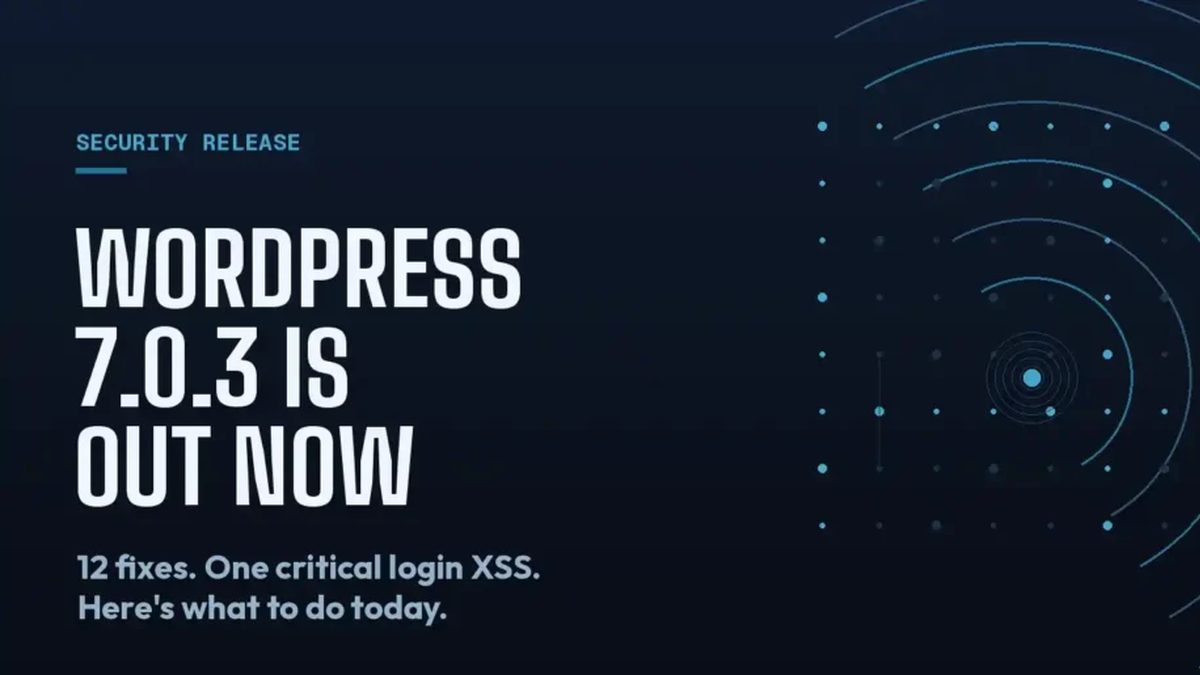
WordPress 7.0.3 dropped on August 6, 2026, and the core team's language was unambiguous: this is a security release, and you should update your sites immediately. We've been working through our client roster since Thursday, and here's our read on urgency, scope, and how to move without breaking things.
What shipped
WordPress 7.0.3 is a focused security maintenance release on the 7.0 branch. The WordPress core team hasn't published a full CVE breakdown at time of writing, which is typical for security releases — they tend to delay full disclosure long enough to give site owners a patching window before the specifics become public knowledge. What we do know:
- Multiple security fixes are included, plural — this isn't a single isolated vulnerability.
- The "update immediately" language from the core team is not boilerplate. They use tiered language across releases, and this phrasing signals genuine urgency.
- The release is available via the WordPress admin dashboard (Dashboard → Updates), via WP-CLI (
wp core update), and as a direct download from WordPress.org. - Managed hosts including Kinsta, WP Engine, and Pantheon typically push security releases to sites on auto-update within 24–48 hours; if your client is on one of these platforms, verify the update has already been applied rather than assuming.
The 7.0.3 release also bundles a small set of bug fixes alongside the security patches — standard practice for point releases. No new features, no block editor changes, no database schema migrations. The risk profile for upgrading is low; the risk profile for waiting is not.
It's worth noting that 7.0.3 follows 7.0.1 and 7.0.2 in quick succession. Three patch releases in a single major version cycle this quickly suggests the team is working through a backlog of reported issues that surfaced after the 7.0 launch in April. That's not unusual for a major version with as much surface area as 7.0 introduced — real-time collaboration, the AI API, client-side media processing — but it does mean agencies should be in the habit of monitoring the 7.0 branch closely for the next few months.
Our take
Security releases put agencies in a familiar bind: move fast and risk a compatibility issue, or move cautiously and leave client sites exposed. Here's how we think about that trade-off.
The urgency calculus is asymmetric. A compatibility issue from a WordPress core update is almost always recoverable — you can roll back to a backup, identify the conflict, and fix it within hours. A compromised site is a different category of problem. Client data exposure, SEO damage from injected spam links, regulatory liability for sites handling personal data — the blast radius is orders of magnitude larger. When WordPress says "update immediately," we take that seriously.
"Update immediately" does not mean "update without a process." Our standard approach for security releases:
- Check managed hosting dashboards first. Kinsta, WP Engine, Pantheon, and similar platforms apply security releases aggressively. If your client is on one of these, log into the dashboard and confirm the version number before doing anything else.
- For self-managed or shared hosting, trigger the update in the WordPress admin and monitor the site for 10–15 minutes post-update. Load the homepage, the admin, one or two key templates.
- Run a quick smoke test: editor access, form submission, any e-commerce checkout flow. This takes 20 minutes and catches the obvious breakage.
- Review the error log. A freshly updated site will sometimes surface PHP notices or deprecated function calls that weren't visible before. Address anything that surfaces as an error rather than a notice.
Plugin compatibility is almost never an issue with security-only core patches. 7.0.3 is not touching the block editor API, the REST API surface, or the database schema. Plugins that worked with 7.0.2 will almost certainly work with 7.0.3. The main exception would be plugins that have hard-coded version checks against the WordPress core version string — a pattern that's poor practice and increasingly rare.
Sites still on 6.x need a different conversation. If you have clients running WordPress 6.x who haven't moved to 7.0 yet, this release isn't directly applicable — but it's a useful prompt. The 6.x branch does receive security backports, so check whether a parallel release was issued for that branch. More importantly, 7.0 has been stable since April; if you're still on 6.x in August, you're accumulating technical debt and limiting your options when a more severe vulnerability eventually hits.
The faster-than-usual patch cadence is worth flagging to clients. Three point releases since April isn't alarming, but it is information. We're being transparent with our clients: 7.0 is a large release, the post-launch bug surface is real, and staying current on patch releases is part of responsible site ownership. That's a conversation worth having now rather than after an incident.
Practical recommendations
- This week: Verify every client site is running 7.0.3. Check managed hosting dashboards first; update manually where needed.
- Ongoing: If you aren't already running auto-updates for WordPress core on client sites, now is a good time to enable them for minor and patch releases at minimum.
- For retainer clients: Include a post-update smoke test in your regular maintenance workflow. 20 minutes of verification is cheap compared to an emergency call on a Friday afternoon.
- For 6.x stragglers: Use this release cycle as the trigger to schedule a 7.0 upgrade assessment. The window to do it on your terms is narrowing.
Originally referenced: WordPress 7.0.3 Release on WordPress.org.
If you're unsure whether your client sites are fully patched, or you want help building a maintenance process that catches security releases before they become incidents — get in touch.